
 On screen
Definition
Full-screen takeover
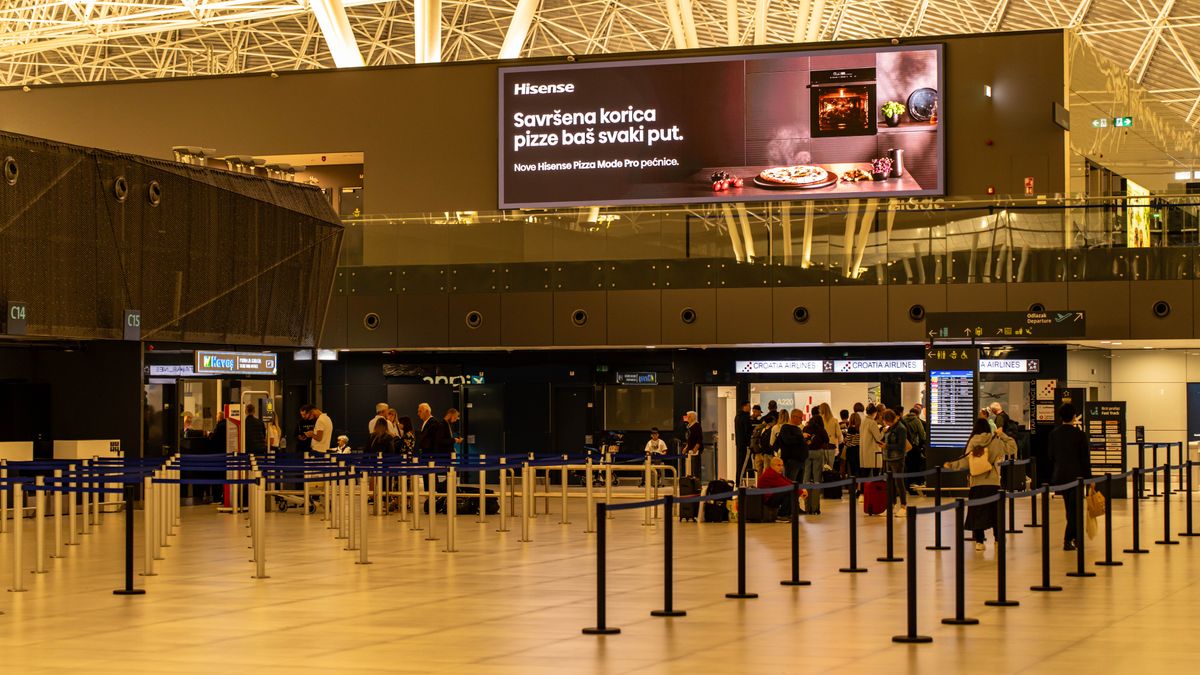
An ad format that fills the entire screen and replaces whatever was showing, such as a live TV broadcast, for as long as the ad plays. Nothing else competes with it on screen while it runs. Also called a takeover ad.
What does takeover mean in practice?
If you have watched a game on a restaurant TV and seen it cut to a commercial, you have seen the basic idea. The live content steps aside, and the ad becomes the only thing on the screen. When the ad ends, the programming returns.
On CETV Now, a small media-player device plugs into a screen a venue already owns and runs licensed programming with video ads over live TV. Full-screen video is the format that runs as an unskippable takeover of that live TV. Creative can be a 30-second video, and CETV Now lists full-screen video and other formats on its ad formats page.
Full-screen ad vs overlay: what is the difference?
An overlay appears on top of or alongside live programming. The show keeps playing, and your message sits in a corner, banner or panel. A takeover removes the show for the length of the ad.
| Full-screen takeover | Overlay | |
|---|---|---|
| What is on screen | Only the ad | Live TV plus the ad |
| CETV Now format | Full-screen video, unskippable | Animated motion graphics or static designs shown as overlays on live TV |
| Best suited to | One clear idea told with motion, and sound-off readability | A short reminder, offer or branding next to the content |
| Main trade-off | Interrupts what people were watching, so the message has to earn the interruption | Shares attention with whatever is on the show |
Neither is better in every case. The choice depends on whether your message needs the whole screen to land. For help choosing, see static, motion or video creative.
Are takeover ads really unskippable on TV screens?
On CETV Now, yes: full-screen video is described as an unskippable takeover of the venue's live TV. Unskippable describes the format, not the viewer. People in a room can look away, talk or check a phone. An ad that cannot be skipped still has to be worth watching.
Why a takeover suits one clear idea
Because the ad owns the screen, it works best when it does one job. A dealership service lounge might promote a single seasonal service offer. A restaurant might feature one event. Cramming in three offers and a long web address wastes the advantage.
- Pick one message and one next step, such as a phone call or a visit.
- Make it readable with the sound off, since many venue TVs run quietly. See how to make video ads work without sound.
- Keep text large and short enough to read across a room.
- Match the tone to the room. Ad tone for different venues covers how.
- If you use a QR code, ask whether people can scan it comfortably. Read QR codes on venue screens.
For a fuller design process, use the guide to designing video ads for venue screens and the 30-second script guide.
What to check before you plan a takeover campaign
- 01
Choose where it runs
Targeting can be by neighborhood, city, metro, zip code, sector and individual venue, and layered with audience type and daypart. CETV Now is live in Phoenix, Dallas, Atlanta, Nashville and Salt Lake City, with Miami coming soon. For any other place, availability is unconfirmed, so send an inquiry.
- 02
Prepare the creative for review
Creative is submitted for review before it runs, and placements run in curated venue categories. See how to prepare creative for network review. CETV Now has not published creative specifications here, so ask the team.
- 03
Set spend and schedule
Ad insertion has no minimums and no long-term commitment. Pricing is quote-based and depends on market, venue category and schedule, so request a quote.
- 04
Track delivery
Delivery is tracked with venue-level impression reporting and real-time statistics. Read how to measure out-of-home without clicks to set expectations.
Regulated advertisers, such as healthcare, financial services, alcohol and legal, should check their own compliance rules before finalizing a message. To start, share your markets, venue categories, creative and budget on the advertisers page.
Figures reflect CETV Now network data and are provided for informational purposes. Individual campaign results vary; no specific outcome is guaranteed.