 On screen
A video ad on a venue screen is not watched the way a video on a phone is watched. Someone in a service lounge, a dining room or a gym lobby may be talking, scrolling or looking for a server when your spot starts. If you are producing your first video for this kind of screen, the goal is a clear, simple ad that still makes sense when attention is partial.
This guide covers the craft: what to say, how to lay it out, and how to pace 30 seconds. It does not cover file specifications. For those, and for anything about how a campaign runs, ask the team through the contact page before you finalize your files.
Why design for a glance, not a lean-in
Venue screens are usually watched from a few feet to across a room, and the viewer is usually there for another reason. They came to eat, get a tire rotated, see a dentist or work out. Your ad is competing with the conversation at their table and the phone in their hand.
CETV Now reports average dwell time of 15+ minutes across its network, meaning how long people spend in a venue. That is a CETV Now figure, not third-party audited, and dwell time describes presence, not attention. Time in the room gives you a chance to be seen. The creative has to earn the look.
On CETV Now, full-screen video runs as an unskippable takeover of the venue's live TV, so your ad appears while the viewer is already looking at a screen. That is an opportunity, not a result. You can read more about the format on the full-screen video page.
Test your ad from across the room
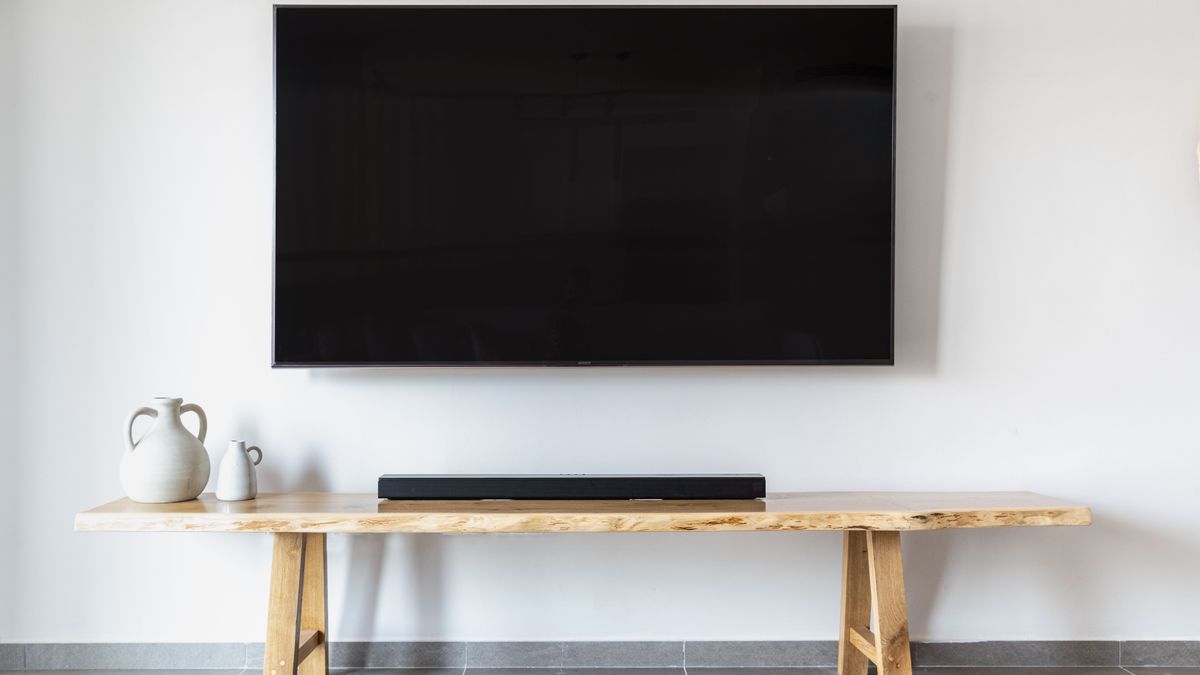
Play a rough cut on a TV and walk to the far side of the room. Can you tell what the ad is for? Can you read the main line? If not, the text is too small or the shot is too busy. Then mute it and check again.
Pick one idea per ad
A 30-second video can carry one idea well. It carries three ideas badly. Decide what the viewer should remember if they remember only one thing, and cut everything that does not support it.
Some examples of a single idea:
- A restaurant promoting one weekday lunch special, not the whole menu.
- A dental office announcing it is accepting new patients, not listing every service.
- A fitness studio offering a first-week trial, not describing every class.
- A salon featuring one seasonal service.
If you have several offers, make several ads. CETV Now supports multi-spot branded campaigns, so a set of short, focused creatives can replace one crowded one. See ad formats for the options. If you are unsure what the one idea should be, start with the goals guide.
Open clearly and end with a next step
Make the first few seconds do the work
Do not spend the opening on a slow logo animation or a vague mood shot. Start with the idea: the offer, the question the viewer is already asking, or the product itself. A person glancing up at second three should already know what the ad is about.
A useful test: pause on the frame at the three-second mark. If that still frame could be an ad for anything, rewrite the opening.
Show who you are and what to do next
Your business name needs to be visible, not only at the end. Viewers may look up halfway through and miss the close. Put the name on screen early, and again at the end.
Then give one next step the viewer can act on from where they sit. Good options include:
- Visit: a neighborhood or street name that tells them you are close.
- Ask: a phrase they can say to staff or a host, such as a mention of the offer.
- Search: your business name, if it is easy to spell and remember.
- Call or scan: only if the number or code can stay on screen long enough and large enough to be used.
Pick one. Three calls to action split attention and weaken all of them. If your offer is local and time-limited, the local offers format may fit.
Set text and visual hierarchy
Hierarchy means the viewer's eye knows where to go first, second and third. On a screen seen from a distance, you get about three levels at most.
| Level | What goes here | Guidance |
|---|---|---|
| First | The main idea or offer | Largest text or the strongest image; a few words |
| Second | Business name or logo | Clear and uncluttered; visible early and again at the end |
| Third | The next step | Short and readable; held on screen long enough to take in |
Some practical rules for text:
- Use fewer words than feels natural. If a line reads like a paragraph, cut it.
- Choose high contrast between text and background. Light text on a busy photo is a common failure; add a solid or darkened panel behind it.
- Avoid thin, decorative fonts. Plain, heavy letterforms hold up at a distance.
- Leave margin around the edges. Screens and mounts vary, so keep important text away from the border.
- Give each line enough time to be read at least twice at a relaxed pace.
If part of your message works as a still image, such as a menu board or a price list, consider whether static creative suits that job better than video.
Design so the message survives distraction
Assume the viewer will miss some of it. They may look away during the middle, or the room may be too loud for audio to carry. Build in redundancy so the idea reaches them either way.
- Say the key point visually, with on-screen text, not only in narration or music.
- Repeat the core message, in different words or visuals, near the start and near the end.
- Make sure the visuals alone tell the story. A viewer who never hears the ad should still understand it.
- Keep the middle simple. If someone joins at the 15-second mark, they should still pick up the name and the point.
Pace a 30-second video
Thirty seconds is short, but on a screen people half-watch it can feel long. A loose structure helps. The timings below are a generic planning guide, not a CETV Now requirement.
| Section | Rough timing | Job |
|---|---|---|
| Opening | 0–5 seconds | State the idea or offer; show the business name |
| Middle | 5–22 seconds | One or two supporting visuals or details; no new topics |
| Close | 22–30 seconds | Repeat the idea, show the name again, hold the next step |
Some pacing habits help. Change the visual every few seconds so the screen does not feel static, but do not cut so fast that text cannot be read. Let the last card sit. A next step that flashes for one second is not a next step.
If you have more to say, do not speed up. Cut. A calm, readable ad usually works better than a dense one on this kind of screen, though results vary and no outcome is guaranteed.
A before-you-export checklist
Run through this list on a real TV, not only on your editing monitor.
- 1Can someone say what the ad is about after one viewing, with no explanation from you?
- 2Is there one idea, and does every shot support it?
- 3Does the opening state the idea within the first few seconds?
- 4Is the business name visible early and again at the end?
- 5Is there one clear next step, held on screen long enough to read?
- 6Is text large, short and high contrast, with margin from the edges?
- 7Does the ad still make sense with the sound off?
- 8Does it still make sense if the viewer looks away for ten seconds in the middle?
- 9Have you read it from across the room?
- 10Are the claims accurate, and have you checked any rules that apply to your industry?
- 11Have you confirmed the current file requirements with the CETV Now team?
What to do next
Once your creative is drafted, match it to the room it will play in. A spot for a waiting room and a spot for a bar may call for different tones; the venue category guide can help. The campaign planning checklist covers the buying questions.
To start, you share your markets, venue categories, creative and budget. CETV Now maps the plan to real-world audiences, provides a quote, and gets the campaign live. Pricing is quote-based, and ad insertion has no minimums or long-term commitment. Details are on the advertisers page, or you can plan a campaign directly.
Figures reflect CETV Now network data and are provided for informational purposes. Individual campaign results vary; no specific outcome is guaranteed.