
 On screen
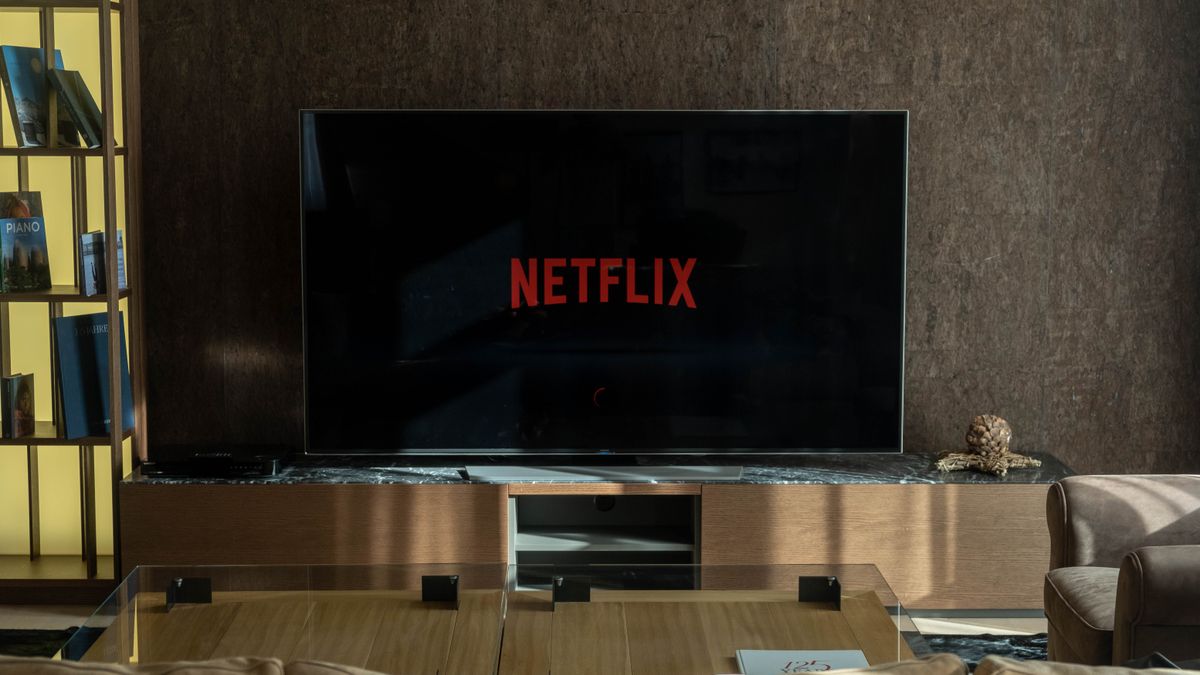
Screens in public rooms often play with the sound low, off, or competing with conversation, kitchen noise and whatever else is happening nearby. Whether a particular screen has audio on depends on the venue, so the safest way to plan is to assume some viewers will only see your ad. This post is about craft: how to make video ads work without sound so the message still lands.
Design the message to be seen
Start by writing your ad as if it were a silent film. If you removed the audio track entirely, what would a person understand after a few seconds of glancing at the screen? That answer is your real message.
Visual storytelling for screens works best when each scene carries one idea. A service department ad might show a vehicle on a lift, then a technician finishing, then the keys handed over. A dental office might show the front desk, a friendly greeting and a clear new-patient offer. Each shot does a job without needing narration to explain it.
- Pick one message. If you need two sentences to describe the ad, it likely has two ads in it.
- Put the most important visual in the first moments, not at the end.
- Use motion that points to the subject: a hand reaching for the product, a door opening onto the room.
- Repeat the business name and the single next step visually, not just once.
For a broader walkthrough of layout and scene design, see how to design video ads for venue screens.
Captions and on-screen text
Captions for digital signage ads do two jobs. They carry spoken words for people who cannot hear them, and they act as headlines that reinforce the visual. Because viewers may glance up from across a room, text has to be readable at a distance and quick to absorb.
Rules of thumb for text on a venue screen
- Keep lines short. A handful of words per screen beats a full sentence.
- Use large type with strong contrast against the background. Test it on a real TV, not only on a laptop.
- Leave text up long enough to read it twice at a normal pace.
- Keep text away from the edges, since TVs and overlays can crop or cover parts of the frame.
- Avoid thin, decorative fonts and text placed over busy footage without a solid or darkened backing.
If your ad includes someone speaking, caption the key line rather than transcribing every word. Viewers need the point, not the transcript. Build the text into the picture itself so the ad reads the same wherever it plays.
Show the place, product or result
When sound is not available, description is the first thing to go. Showing replaces telling. A restaurant can show the dish arriving at a table instead of saying it is fresh. A gym can show the floor, the equipment and a class in progress instead of claiming it is welcoming.
- Place: show a recognizable exterior or entrance so viewers can connect the ad to somewhere nearby.
- Product: use a clean, close shot with a simple background. Avoid cluttered tabletops and dark footage.
- Result: show the outcome, such as a finished repair, a plated meal or a styled haircut, rather than the process alone.
- Offer: put the offer in large text over a calm part of the frame.
CETV Now positions its network as precision video advertising for the real world, reaching people while they wait, watch and decide in venues they already visit. That setting favors ads that connect to a place the viewer can reach soon. For offer-led ads, designing a local offer ad for an in-venue screen goes deeper on layout.
Pacing without audio cues
Music and voiceover quietly manage rhythm: they signal when a scene is changing and where the emphasis is. Without them, pacing has to come from the picture.
- Cut on clear visual changes, such as a new location or a new subject, so each scene reads as a new beat.
- Give each scene enough time for the text and the shot to register. Rushed silent ads feel like noise.
- Avoid fast cuts and heavy effects that make text hard to follow.
- Use a consistent spot for the offer and business name so the eye knows where to return.
- End on a held frame with the name, the offer and the next step.
CETV Now supports a 30-second video, static designs and animated motion graphics shown as overlays on live TV. A 30-second spot has room for roughly three or four beats if each is simple. If your message is smaller than that, a static or motion graphic may fit better. The guide on choosing between static, motion and video creative can help you decide.
What to add if sound is available
Sound can still help. Think of it as a second layer that adds warmth or emphasis, never as the place where the offer lives. If the audio disappeared, nothing essential should disappear with it.
- Music can set a mood, but pick something that doesn't change the meaning of the ad.
- A short voiceover can repeat what the text already says, which helps viewers who are both seeing and hearing it.
- Sound effects can mark moments, such as a sizzle or a chime, but should not be needed to understand them.
Before you invest in a voiceover or a custom score, confirm with the CETV Now team how audio will be treated for your placement. That detail is not covered here, and it should shape how much you spend on it.
A sound-off test before you finalize
The easiest check is also the most useful: mute the ad and watch it. Better, show it to someone who has never seen it.
- 01
Mute and play it once
Ask the viewer to tell you, in their own words, what the business is, what is being offered and what to do next.
- 02
Check from a distance
Play it on a TV and stand several steps back. If you have to squint at the text, enlarge it.
- 03
Look away and back
Glance at the screen at random points. Can you tell what the ad is about within a moment of looking up?
- 04
Pause on key frames
Pause at the first scene, the offer and the final frame. Each should make sense as a still.
- 05
Cut anything that only works with sound
If a joke, a name or a step in the story needs the audio, rework that moment visually.
Silent-first ads are easier to test across different rooms because they depend less on the environment. When you are ready to compare versions, testing creative across venue categories lays out a way to do it. Note that CETV Now reports figures such as 98% viewer recall, but individual campaign results vary and no outcome is guaranteed.
When your creative is ready, you can plan a campaign with CETV Now by sharing your markets, venue categories, creative and budget. The team maps the plan, provides a quote and gets the campaign live.
Figures reflect CETV Now network data and are provided for informational purposes. Individual campaign results vary; no specific outcome is guaranteed.