
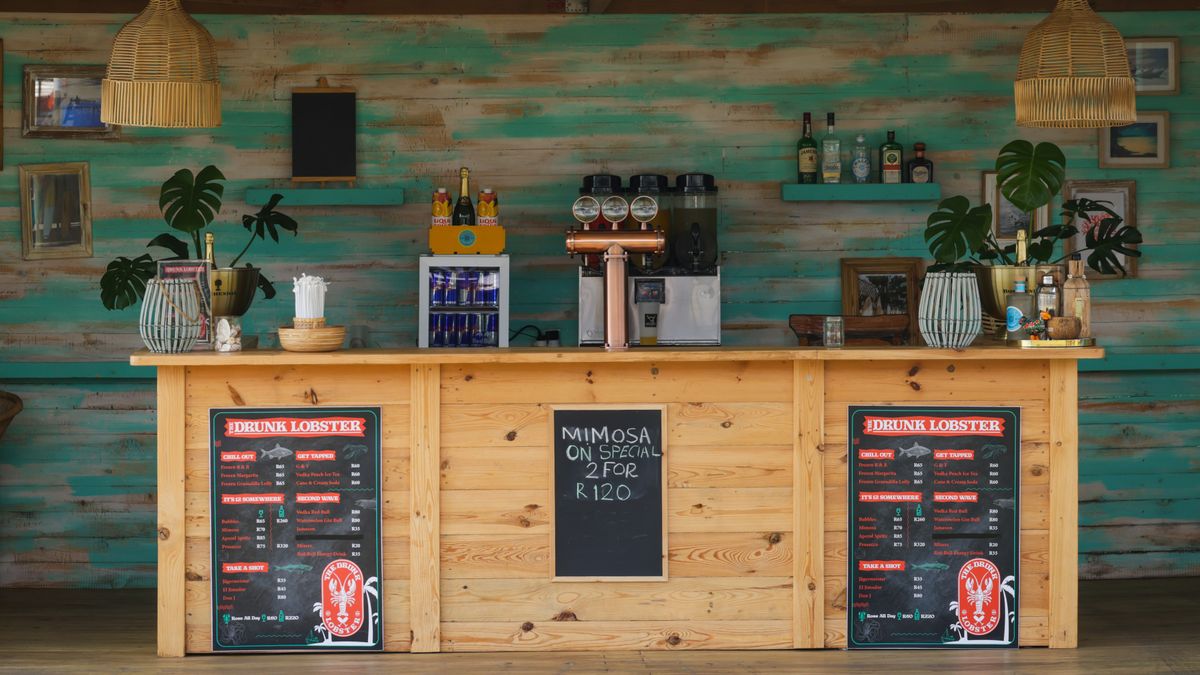
 On screen
Why daily specials need a routine
A special that changes every day is easy to forget on a screen. The kitchen remembers it, the staff announce it, and the TV still shows yesterday's offer. A wrong special on a screen is worse than none, because it creates an awkward conversation at the counter.
The fix is not more effort. It is a short routine that takes the same few minutes each day. This guide gives you that routine for a restaurant, coffee shop, bar, salon or any business that changes its offers often.
CETV Now is a self-install, plug-in digital out-of-home (DOOH) network. DOOH means advertising shown on screens outside the home, such as in a venue. A small media player plugs into a screen you already own and runs licensed programming with video ads over live TV. Venues can also run their own promotions, menu items and events between third-party ads. For the wider picture, see how to run in-house promotions on ad-supported screens.
One template, many days
The biggest time-saver is a single design you reuse. Instead of designing a new graphic each morning, build one layout and swap only the details that change. Regulars learn where to look, and you spend minutes instead of an hour.
What goes in the template
- The day or label at the top, such as "Today's special" or "Tuesday only."
- The item name in the largest text on the screen.
- The price or the offer in a second, clearly different size.
- One short line on timing, such as "Until 2 p.m." or "While it lasts."
- Your name or logo, small, in the same corner every time.
Keep wording short. People glance at a TV from across a room, so a long description gets skipped. The guide to writing copy for venue screens covers reading at a glance, and creative mistakes on venue screens lists what to avoid.
Update and schedule from the dashboard
On CETV Now, venues manage channels, promotions and scheduling from one web-based dashboard. A dashboard is the web page where you log in and control what your screens show. That means the daily update happens at a computer, not at the screen.
- 01
Decide the special the day before
Settle the item, price and time window at close or during your last prep check. Write it on the same note or whiteboard every day.
- 02
Fill in the template
Change only the item, the price and the timing line. Save the file with the date in its name so you can find it later.
- 03
Add it in the dashboard
Upload the new promotion to your dashboard and proofread the details: spelling, price and day.
- 04
Set when it appears
Schedule the promotion for the hours the special is actually available, not for the whole day.
- 05
Confirm on the screen
Look at the screen once after it goes live. If something is wrong, fix it right away.
If you manage more than one venue, the same routine applies, and you can read more in how to manage TVs across multiple locations. For what the dashboard controls overall, see content control.
Timing the special to the room
A special works best when it shows while people can act on it. A lunch deal shown at 8 p.m. is just clutter. Think about who is in the room at each hour and what they can still order.
| Time of day | Who is in the room | What to show |
|---|---|---|
| Morning | Commuters, early regulars | Breakfast or coffee special, quick to read |
| Midday | Lunch crowd, people on a short break | Today's lunch special with an end time |
| Afternoon lull | Smaller groups, people who stay longer | Happy hour or snack deal that starts soon |
| Evening | Dinner guests, groups, sports viewers | Dinner special or a drink of the day |
This is called dayparting: splitting the day into time blocks and showing different content in each. The time of day content plan and the dayparting glossary entry go deeper. Restaurants can pair this with dining room screen ideas, and coffee shops with coffee shop screen ideas.
Your promotion runs between third-party ads and alongside live TV, so it will not fill the screen all day. Plan for a short, clear message that works as one part of the mix. CETV Now has not published how often each item appears, so ask the team if that detail matters to your plan.
Retiring a special on time
Retiring a special is the step most venues skip. The offer ends, the screen keeps selling it, and staff end up honoring it or explaining why not.
- Set the end time when you schedule the promotion, not later.
- Match the end time on the screen to the end time on your menu and your point-of-sale system.
- Do a closing check: open the dashboard, confirm today's special is no longer scheduled, and confirm tomorrow's is ready.
- For limited-time specials, such as a weekend-only item, put the end date in the text so the screen is still accurate if someone forgets.
A weekly specials planner
Planning one week at a time keeps the daily routine light. Pick a single slot, such as Sunday afternoon, to decide the next seven specials, and then each day only needs a quick check.
| Day | Special | Hours shown | Template updated | Retired |
|---|---|---|---|---|
| Monday | ||||
| Tuesday | ||||
| Wednesday | ||||
| Thursday | ||||
| Friday | ||||
| Saturday | ||||
| Sunday |
Seasonal offers can drop into the same planner. The holiday content calendar helps you plan around dates that matter to your customers.
Getting started as a host venue
CETV Now host venues receive the plug-in device and ad-supported programming free, with no monthly cost. Setup is self-install: order the device, plug it into a screen you already own, choose channels and upload promotions from the web dashboard. No outcome is guaranteed, and results from any promotion vary.
For anything this guide does not cover, ask the team through the venue partners page or by phone or email. The venue FAQ is a good place to start for general questions.