
 On screen
What does a waiting laundromat customer need from a screen?
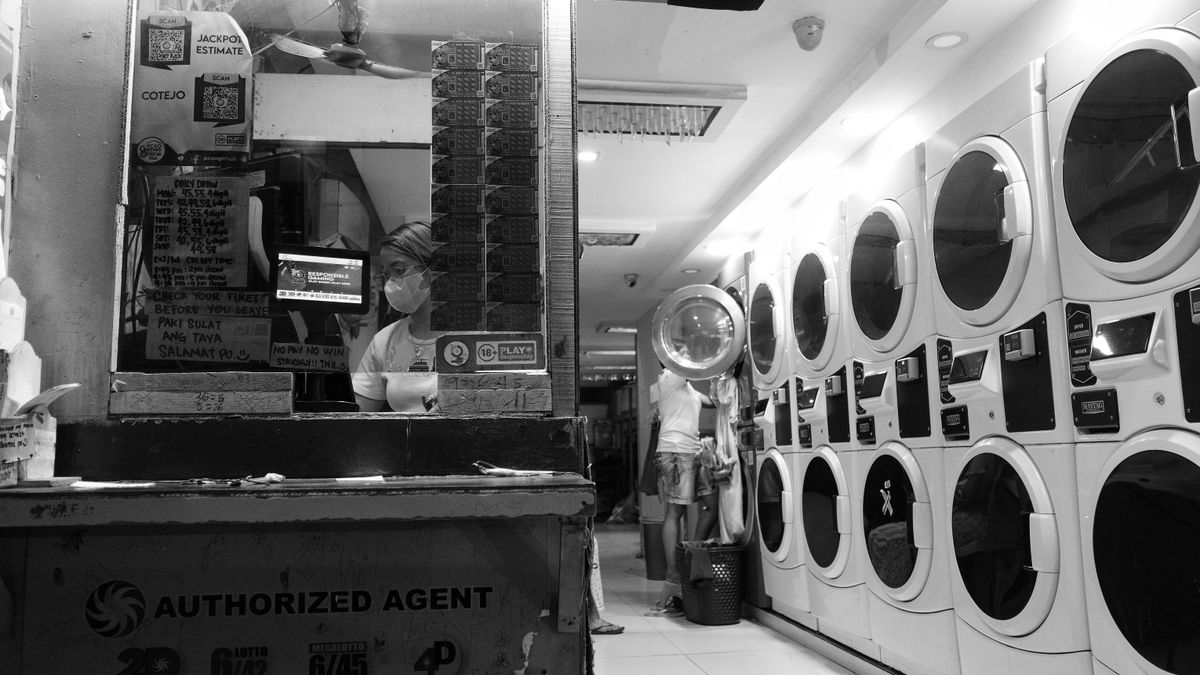
A laundromat customer is usually in one of three modes. They are loading machines, waiting for a cycle to finish, or folding and leaving. Only the middle mode is long enough for a screen to matter, and in that mode people mostly want something pleasant to look at and a few useful answers.
That gives you three jobs for a screen: make the wait more comfortable, answer common questions before someone has to ask the attendant, and tell people about services they may not know you offer. Everything below is built around those three jobs.
A note on scope: this is a planning guide for content ideas. It does not confirm that a laundromat can become a CETV Now host venue. The last section covers how to ask.
Programming for a comfortable wait
If you only put notices on the screen, customers tune it out. Programming gives them a reason to glance up, and your notices then appear in front of people who are already looking.
For venues that host, CETV Now says its programming is curated and licensed for commercial, public display. It includes sports, news, lifestyle and nature content, and the venue carries no ASCAP, BMI or SESAC liability. If you are showing anything on a business screen today, read about why businesses need licensed TV programming and what a public performance license is, because a personal streaming account usually does not cover public display.
Some practical choices for a laundromat:
- Sound off, captions on, if available. Machines are loud and customers often have headphones. Pick programming that works without audio.
- Lean toward general-interest channels. Nature and lifestyle content tends to be less divisive in a shared room than heavy news coverage. Sports can work well when a big game is on.
- Keep it family-friendly. Children are often in the room. Check what a channel shows before you leave it running unattended.
- Match the room's rhythm. A quiet weekday morning and a crowded Saturday afternoon are different audiences. See the time-of-day content plan for a simple way to split the day.
Service and how-to information to put on screen
The most useful laundromat digital signage content is often the least exciting: answers. Every question the screen answers is one fewer question for your attendant, and one fewer customer who guesses wrong at a machine.
| Notice | What to show | Keep in mind |
|---|---|---|
| Hours | Opening and closing times, plus the last time to start a load | Update it before holidays; see the holiday content calendar |
| How-to | Three-step guide to paying and starting a machine | One step per line, large text |
| Care tips | Which items should not go in a standard machine, and when to ask staff | Keep to general guidance, and point to staff for anything specific |
| Wash and fold | What the service is, drop-off and pickup times, how to ask | Use your own wording and your own details |
| House rules | Unattended items, lint, dye and cleaning up after yourself | Friendly tone reads better than a list of prohibitions |
| Contact | A phone number or the front desk location | Make it the last item in the loop |
Write these for a glance, not a read. A customer ten feet from the screen should get the point in a few seconds. The guide on writing copy for venue screens covers text size, line length and word choice.
How to promote wash and fold and other add-on services
Many customers do not realize an add-on exists until someone tells them. A wash and fold promotions screen puts that information in front of the people most likely to use it: the ones standing next to a pile of laundry.
CETV Now says venues can run their own promotions, menu items, events and branding between third-party ads, and manage channels, promotions and scheduling from one web-based dashboard. The guide to in-house promotions on ad-supported screens explains how that works in practice.
Add-on ideas worth a slide or two:
- Wash and fold. Describe the service in one sentence, then say how to start: ask at the counter, or bring a bag.
- Dry cleaning drop-off or pickup, if you offer it or work with a partner.
- Bulk and bedding items. Comforters and large loads are a natural fit for a larger-machine reminder.
- Supplies. Detergent, softener and dryer sheets, if you sell them.
- Loyalty or punch-card offers, if you run one.
Keep each promotion to one offer and one next step. Avoid prices or discounts unless they are current and you are ready to honor them; an outdated number on a screen creates more work than it saves. If a promotion has an end date, schedule it to stop on that date.
You will also see third-party ads on an ad-supported screen. CETV Now says creative is submitted for review before it runs and that placements are in curated venue categories, so the mix of ads and your own content is something to ask about during any conversation with the team.
Community notices that make the room feel local
A laundromat is a neighborhood fixture, and many already have a cork board by the door. A screen can do the same job with less clutter.
- Local events, school fundraisers and library or park programs
- Neighborhood clean-up days or food drives you are taking part in
- Seasonal reminders, such as a cold-weather blanket drive
- A short welcome message in the languages your customers speak, if that fits your community
- Thank-you notes to customers for a donation drive you ran
Set a simple rule for who can request a notice, who approves it and when it comes down. Without that, a community slide from three months ago ends up on screen next to a current one. The guide to who manages venue screens offers an easy ownership model. If you take notices from advertisers or sponsors that are regulated, such as alcohol, financial services, legal or healthcare, those advertisers should check their own compliance rules.
A simple loop to start with
You do not need a complicated plan. Start with programming as the base, then add a short rotation of notices so a customer who stays through a cycle sees each one at least once.
- 1Welcome and hours
- 2How to use the machines
- 3Wash and fold, with how to ask
- 4One add-on or supply offer
- 5One community notice
- 6Contact details
Review it monthly. Ask your attendant what customers keep asking, and make that your next slide. For a broader checklist, see what to show on business TVs.
Asking about your specific venue
CETV Now describes itself as a self-install, plug-in digital out-of-home (DOOH) network. DOOH means advertising shown on screens in public or commercial places. A small media-player device plugs into a screen the venue already owns and runs licensed programming with video ads over live TV.
For host venues, CETV Now says the device and programming are free with no monthly cost, and that setup is self-install and typically takes minutes. Screens are not included. Read more on the venue partners page and the ad-supported signage page.
Questions about eligibility, screen and internet requirements, device details, and any compensation for venues are not answered here. Send them to the team at (833) 807-1500 or info@cetvnow.com, or use the contact page. Availability outside Phoenix, Dallas, Atlanta, Nashville and Salt Lake City is unconfirmed, and Miami is coming soon but not live. Include your city, your screen count and what you want to show. If you want to see how the same ideas work in other waiting spaces, the guides for salons and medical and dental waiting rooms are good comparisons.