
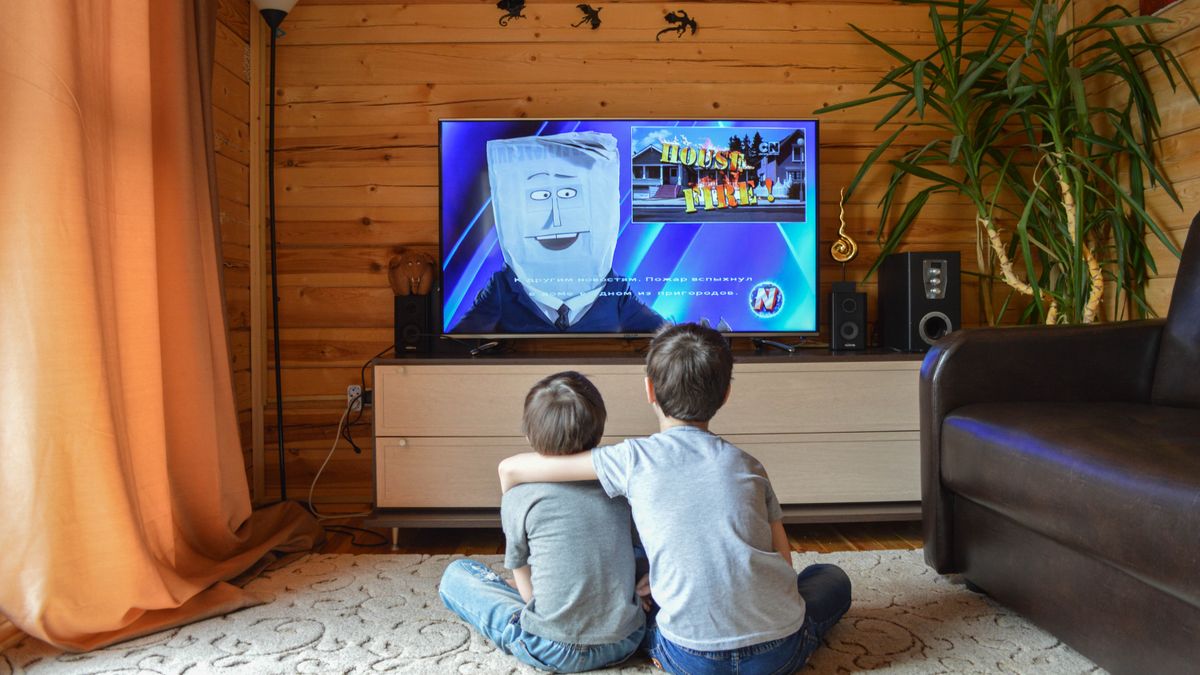
 On screen
Definition
Narrowcasting
Narrowcasting is delivering content to a specific audience in a specific place, instead of to the general public. In a venue, it means the screens in your waiting room, dining room or lobby show content chosen for the people who are physically there.
What is narrowcasting, in practical terms?
Think of it as the opposite of a television network. A broadcaster sends one signal to a wide, mixed audience and has no control over where it is watched. A narrowcaster knows roughly who will see the content and where, and picks the content to match.
If you own a venue, you already do this whenever you choose what plays on your TV. A salon's waiting-area screen reaches people waiting for appointments. A bar's screens reach people watching and ordering. Those audiences are narrow by nature, and the content can be too.
Narrowcasting vs broadcasting
| Broadcasting | Narrowcasting | |
|---|---|---|
| Audience | Broad and mixed; anyone who tunes in | Defined group in a defined place |
| Location | Wherever a signal reaches | A specific room, venue or set of venues |
| Content choice | One program for everyone | Matched to the setting and the moment |
| Example | A national TV channel | A screen in a dental waiting room |
The two are not rivals. Live TV is a broadcast, and a venue screen can still show it. The narrowcasting happens in the choices around it: which channel, which promotions, which ads, and when.
How a venue screen narrowcasts to its own guests
Your guests chose to be in your space. They are waiting, eating, working out or browsing, and the screen is part of the room. That is why narrowcasting digital signage works differently from a feed someone scrolls on a phone.
CETV Now fits this model. A small media-player device plugs into a screen the venue already owns and runs licensed programming with video ads over live TV. Venues can also run their own promotions, menu items, events and branding between third-party ads, managed from a web dashboard. See how ad-supported signage works for the full model.
Why it changes which content works
Targeted screen content has to respect the setting. A few principles follow from knowing your audience is in the room already:
- Match the mood. Calm, general-interest content suits a yoga studio lobby; sports and events suit a bar or taproom.
- Match the decision. Guests at a restaurant can act on a dessert special right now. Guests in a dealership lounge may be thinking about service or a next vehicle.
- Keep it glanceable. People look up in short moments, so lead with one message instead of a wall of text.
- Match the time of day. A morning rush and an afternoon lull call for different content, as in a coffee shop.
Sound matters too. Read whether business TVs should have sound on before deciding how your room should work.
Narrowcasting for advertisers on CETV Now
Narrowcasting is also what makes local advertising on venue screens possible. CETV Now targeting works at micro and macro levels: neighborhood, city, metro, zip code, sector or vertical, and individual venue. It can be layered with audience type and daypart (time of day).
CETV Now runs in high-dwell commercial categories such as auto dealerships, restaurants and bars, medical and dental offices, fitness and wellness facilities, retail, and professional services. It reports average dwell time of 15+ minutes across its network. That figure comes from CETV Now network data, is not third-party audited, and measures time in a venue, not attention.
What to do next
- 01
Look at your screens
Note where each one is and who sees it. The screen audit guide walks through this.
- 02
Name the moment
Decide what guests are doing in front of each screen: waiting, ordering, browsing or working out.
- 03
Choose content to fit
Pick channels and promotions that suit that moment, and schedule changes by time of day.
- 04
Decide your role
Host a screen through venue partnerships, or plan a campaign as an advertiser. Request a quote, since pricing is quote-based and no outcome is guaranteed. Regulated advertisers, such as healthcare, financial services, alcohol and legal, should check their own compliance rules first.
Figures reflect CETV Now network data and are provided for informational purposes. Individual campaign results vary; no specific outcome is guaranteed.