
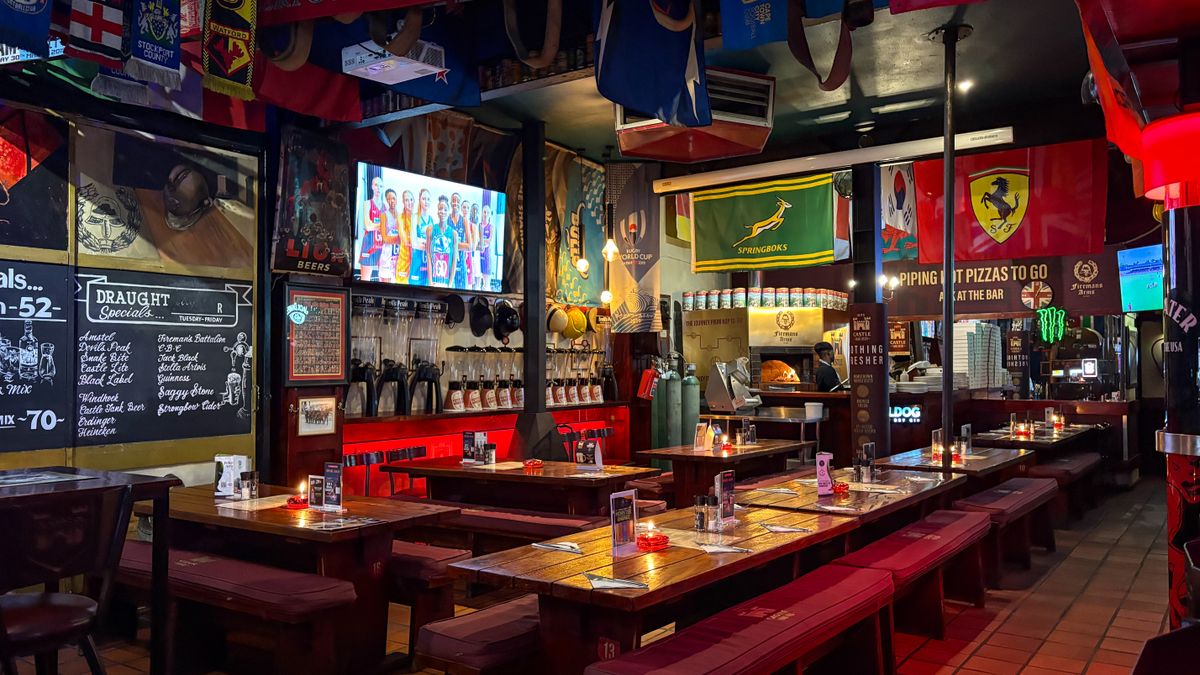
 On screen
Definition
Content scheduling
Content scheduling is the practice of setting in advance which content plays on a screen and at what time of day or day of the week. On a business TV, it usually means assigning channels or promotions to time blocks so the screen changes on its own. Some people call this signage playlist scheduling or dayparting.
Why does scheduling matter for a venue?
The people in your venue at 10 a.m. are often not the people there at 8 p.m. A screen that plays the same thing all day will fit one of those crowds and miss the other.
Scheduling also saves you time. If your staff has to remember to switch channels before the game or before a lunch rush, it will sometimes get skipped. An automated schedule takes that task off the list.
It is also how you keep the screen on-brand. You decide when your own promotions, a happy hour offer or an event announcement appear, instead of leaving it to chance.
What does a sample day plan look like?
This is an illustration for a hypothetical restaurant and bar, not a CETV Now template. Adjust the blocks to your own hours and customers.
| Time block | Content | Why |
|---|---|---|
| Morning to early afternoon | News and lifestyle programming | Quieter room, mixed crowd, lower volume of attention |
| Late afternoon | Nature or lifestyle programming plus a happy hour promotion | Pulls attention to an offer as people arrive |
| Evening | Live sports | Peak crowd that often comes for the game |
| Late night | Sports or news, with an events promotion | Keeps the screen relevant as the room changes |
Start with three or four blocks. You can add detail later once you see how the room behaves. For more examples, see the dayparting plan by time of day and the guides for bars and taprooms and restaurant dining rooms.
How does scheduling work with CETV Now?
CETV Now is a self-install, plug-in digital out-of-home (DOOH) network. A small media-player device plugs into a screen you already own and runs licensed programming with video ads over live TV. You choose channels and upload promotions from a web dashboard.
Scheduling is part of that dashboard. CETV Now supports automated scheduling of channel changes, so the screen can move from one channel to another at the times you set. You manage channels, promotions and scheduling from one place. See content control for the full set of tools.
Programming is curated and licensed for commercial, public display and includes sports, news, lifestyle and nature content. You can run your own promotions, menu items and events between third-party ads. The guide to in-house promotions on ad-supported screens shows how.
How do you set up a simple schedule?
- 01
List your busy and slow periods
Write down when your room is full, when it is quiet and who is usually there at each time.
- 02
Match one content type to each block
Pick sports, news, lifestyle or nature programming for each block. Add a promotion where you want customers to act.
- 03
Keep the plan short
Three or four blocks are easier to check than ten. Fewer changes also make it easier to spot what is not working.
- 04
Review it after a week or two
Walk the room at different times. Check that the screen matches the crowd, and adjust.
- 05
Revisit for events and seasons
Holidays, game days and specials may need their own plan. The holiday content calendar can help.
If you run several locations, a schedule also helps keep screens consistent. The multi-location brand standard covers that. Related terms include narrowcasting and the digital signage CMS, the software that holds a schedule.
What about advertisers and scheduling?
Scheduling matters on the advertiser side too. CETV Now ad targeting can be layered with time of day (daypart), and advertisers set their own spend and schedule. That is separate from the venue schedule above. If you want to plan a campaign, share your markets, venue categories, creative and budget with CETV Now to get a quote. No outcome is guaranteed, and regulated advertisers should check their own compliance rules.