
 On screen
Definition
Digital menu board
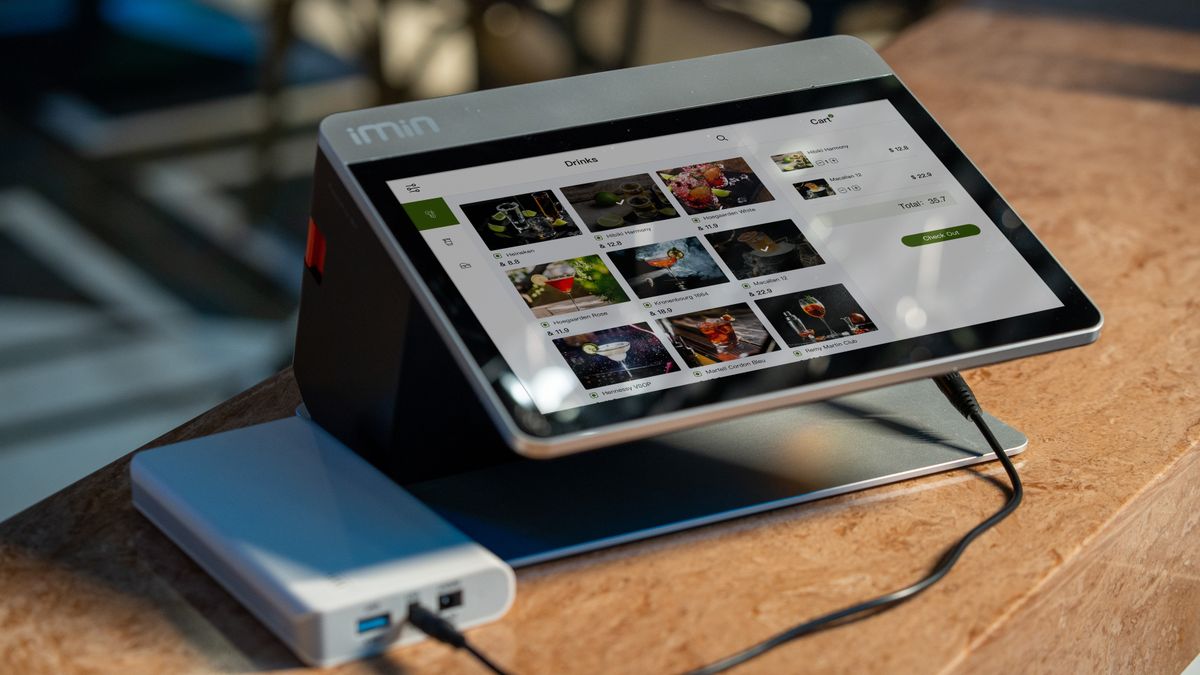
A digital menu board is a screen that displays a venue's menu, including items, descriptions and sometimes prices, in place of printed or hand-lettered signs. Content is changed from software instead of being reprinted and swapped by hand.
Why do venues use digital menu boards?
The main reason is easier change. When an item sells out, a special starts, or you move from breakfast to lunch, you update the screen instead of printing a new sign. For restaurants, coffee shops and takeout counters, that can save staff time and keep what customers see in line with what the kitchen can actually serve.
Digital menu boards for restaurants also give you room for photos, motion and seasonal items. The trade-off is that someone has to own the content. A screen showing last month's menu is worse than a printed sign that is correct.
What is a dayparted menu display?
A dayparted menu display changes what is shown by time of day. Breakfast items appear in the morning, lunch items at midday, and a happy hour or dinner menu later. A daypart is simply a block of the day, such as morning or late afternoon.
If you plan to use dayparting, write down your transition times first. Then check whether the tool you are considering can schedule the changes automatically or whether someone must switch them by hand.
Menu board vs promo screen: what is the difference?
A menu board is a reference. Customers read it to decide what to order, so accuracy and legibility matter most. A promotions screen is a message. It draws attention to a daily special, an event, a new item or your branding, and it works alongside live TV or other programming.
| Digital menu board | Promotions-and-programming screen | |
|---|---|---|
| Main job | List what you sell so people can order | Entertain and inform people while they wait, and highlight offers |
| Typical content | Items, descriptions, prices | Live TV or curated channels, specials, events, branding |
| Update pattern | Whenever the menu changes | Whenever a promotion or event changes |
| Where customers look | At the counter or while ordering | Seating, waiting and dining areas |
Many venues end up with both: a menu board at the order point and a promotions screen in the seating area. For ideas on the second kind, see how to promote daily specials on TV screens and restaurant dining room screen ideas.
Where does CETV Now fit?
CETV Now is a self-install, plug-in digital out-of-home (DOOH) advertising network. A small media-player device plugs into a screen you already own and runs licensed programming with video ads over live TV. It is not a point-of-sale system and it is not a full menu-board system.
What it does let you do is run your own promotions, menu items, events and branding between third-party ads. You manage channels, promotions and scheduling from one web-based dashboard. In practice, that suits a screen in a dining room or waiting area better than a screen where customers place orders.
The device and ad-supported programming are free to host venues, with no monthly cost, and screens are not included. You can read more about the model on the ad-supported signage page, or see what is DOOH if the term is new.
How to decide what your screen needs to do
- 01
Name the job
Is the screen for ordering, or for the people already seated or waiting? Ordering points need a menu board; waiting areas suit promotions and programming.
- 02
List what changes often
Specials, seasonal items and events are good promotion content. A fixed core menu may be fine on a printed or dedicated menu board.
- 03
Assign an owner
Decide who updates content and how often. The ownership model for venue screens can help.
- 04
Audit what you have
Walk the space and note which screens you already own and where people look. The guide to auditing the screens in your business walks through it.
If you want to see how a venue screen could run your menu items alongside programming, visit the venue partners page or ask the team a question.