
 On screen
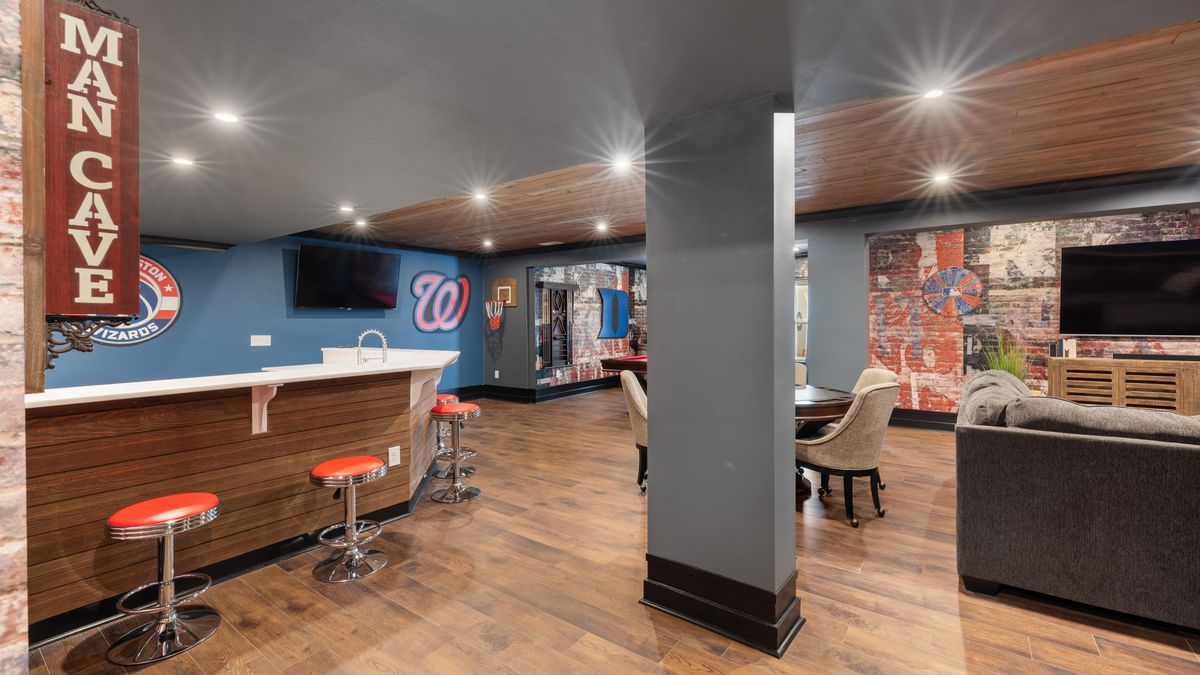
On game day, your screens are the reason people walk in. On a quiet Tuesday at 2 p.m., the same screens can look like dead weight. The question for an owner or manager is what to show in a sports bar between games so the room still feels alive and the screens still earn their place.
This guide covers the practical answer for screens you already own: a base layer of licensed programming, a short list of in-house promotions, and a simple way to keep it all on-brand. For a wider list of ideas, see bar TV content ideas beyond the game.
Start with a base layer that never looks empty
The worst quiet-hour setup is a screen left on a frozen menu, a muted channel nobody chose, or a feed you are not licensed to show in a commercial space. A base layer solves this. It is programming that runs by default so the room has motion and sound-optional interest even with no marquee event on.
CETV Now is a self-install, plug-in digital out-of-home (DOOH) network. A small media-player device plugs into a screen you already own and runs licensed programming, including sports, news, lifestyle and nature content, with video ads over live TV. The programming is licensed for commercial, public display, and CETV Now states that the venue carries no ASCAP, BMI or SESAC liability. For background, read why businesses need licensed TV programming.
Host venues receive the device and ad-supported programming free, with no monthly cost. Screens are not included, so you use the ones on your walls. Read more about how ad-supported signage works.
Which promotions fit between games?
Venues can run their own promotions, menu items, events and branding between third-party ads. That means your messages appear on the same screens guests are already watching, alongside the programming. These five cover most sports bars.
1. A happy-hour reminder before the after-work crowd
Schedule a short card to appear about an hour before people typically leave work. It reaches the early arrivals and the regulars deciding where to go. Keep it to the offer, the hours and one line of branding.
2. A trivia or darts-night teaser for your slowest weeknight
Pick the one night that drags and promote it on the days before and the afternoon of. Name the night, the start time and any prize in plain words. If you run it weekly, one reusable card is enough.
3. A wing or appetizer special tied to the game on screen
When a game is on, a card such as "Wings by the half dozen while the game is on" connects the food to what guests are watching. Only run it when you have confirmed what is on, and keep the wording general so it holds up if the schedule changes.
4. A watch-party and private-event booking prompt
Ahead of a big event, a card with a contact method gives groups a way to reserve space. Use a phone number or short address that someone actually answers. A prompt that leads nowhere costs you more than it earns.
5. A designated-driver and ride-home reminder
A simple card encouraging guests to plan a safe ride home suits a bar well. Alcohol messaging can be regulated differently depending on where you operate, so check your own local rules before you publish it.
A simple quiet-hour schedule you can copy
The table below is a planning example, not a rule. Adjust the times to your own traffic. For a fuller method, see a dayparting plan for venue screens.
| Time of day | Base layer | Your promotion |
|---|---|---|
| Weekday afternoon | Licensed lifestyle, news or nature programming | Appetizer special or lunch menu card |
| An hour before the after-work crowd | Licensed sports or news programming | Happy-hour reminder |
| Slowest weeknight | Licensed programming | Trivia or darts-night teaser |
| Days before a big event | Licensed sports programming | Watch-party and private-event booking prompt |
| Late evening | Licensed programming | Ride-home reminder card |
CETV Now lets you manage channels, promotions and scheduling from one web-based dashboard, including automated scheduling of channel changes. You can manage every screen from one device rather than walking to each TV.
How in-house promotions fit between ads
Because CETV Now is ad-supported, third-party video ads run over live TV, and your own promotions run between them. Ad formats include full-screen video, static creative and overlays on live TV. Full-screen video runs as an unskippable takeover of the venue's live TV, so expect guests to see both ads and your messages in the mix.
CETV Now has not published how often ads and promotions rotate on a single screen, so ask the team if timing matters to you. Ads are submitted for review before they run, and placements run in curated venue categories to keep brands in appropriate contexts. Our guide to running in-house promotions on ad-supported screens goes deeper.
Keep your content on-brand and readable
Guests read screens from across a loud room, often for a few seconds. A few habits help.
- One message per card: the offer, the time, and your name.
- Large type and strong contrast; skip paragraphs.
- Use the same colors and logo placement on every card so the room feels consistent.
- Retire expired offers quickly. A stale happy-hour card undermines trust.
- Review every card against your local alcohol-advertising rules.
For wording tips, read how to write copy people can read at a glance. If you want to promote specials on a schedule, see how to promote daily specials on screens.
What setup involves
- 01
Pick your screens
Start with the one or two screens guests see most, such as above the bar. A screen audit helps you decide.
- 02
Order and plug in the device
Setup is self-install and typically takes minutes. No technician or professional installation is required.
- 03
Choose channels
Select the licensed programming for your base layer.
- 04
Upload promotions and schedule them
Add your five core cards in the web dashboard and set the times.
- 05
Review weekly
Swap out anything outdated and note which nights still feel slow.
CETV Now has not published screen, internet or device requirements in the material used for this page, so confirm those with the team before you order. If you are ready, learn more about becoming a host venue, or read the profile of the media network for bars and breweries. Availability depends on location: CETV Now is live in Phoenix, Dallas, Atlanta, Nashville and Salt Lake City, with Miami coming soon. For anywhere else, availability is unconfirmed, so send an inquiry.