
 On screen
An independent grocery store already has the hardware for this: a TV above the deli case, a monitor near the registers, maybe a screen in the cafe corner. The question is what to put on them. The answer depends less on the screen and more on the moment a shopper is in when they glance at it.
This guide is for owners and operations managers with limited time. It covers what to show at each pause point, how to schedule it, and how to keep it consistent with your store. It also covers where in-house promotions fit if you ever run a screen that carries third-party ads.
Where do grocery shoppers actually pause?
People in a grocery store keep moving, so a screen in an aisle gets a glance at best. The useful screen locations are the places where people stop, even briefly. Four are common in an independent store:
- The deli counter: shoppers take a number or wait for slicing and are deciding what to order.
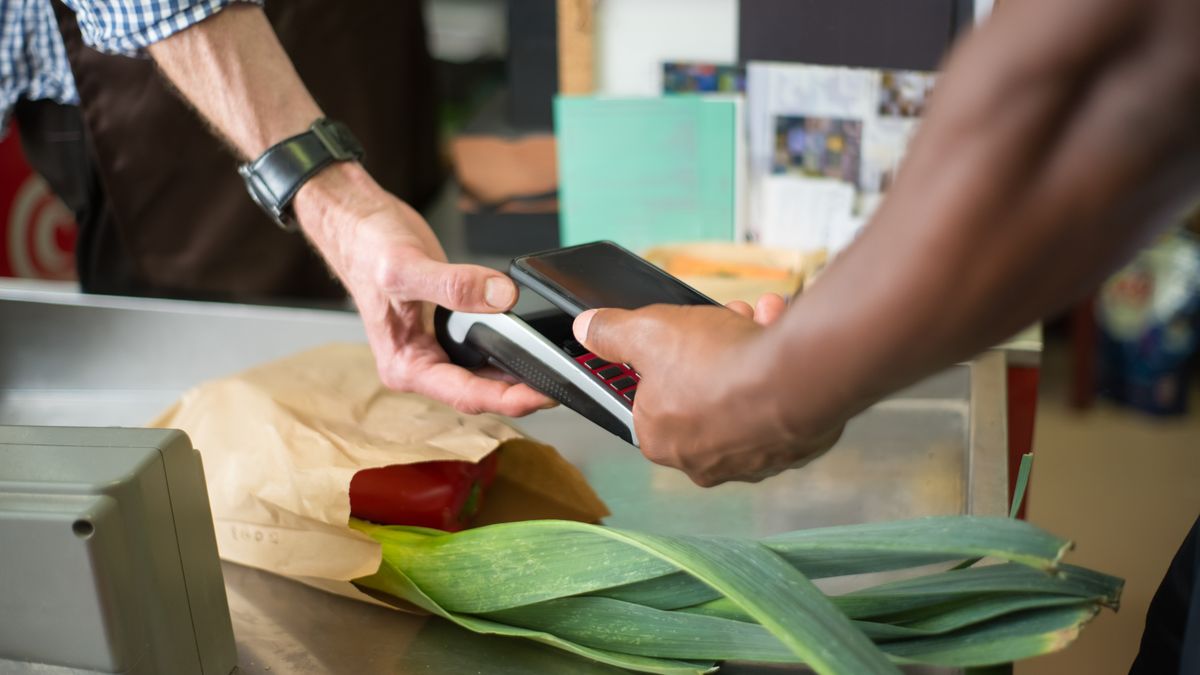
- The checkout line: a short, fixed wait with eyes already looking forward.
- The pharmacy window: people wait for a name to be called. If you have one, see pharmacy waiting area screen ideas.
- Cafe or seating area: the only spot where people sit, so it can hold longer content.
Walk the store once during a busy hour and note where people stand still. Our guide on how to audit the screens in your business gives a simple way to log what each screen shows and who sees it.
Deli counter screen promotions that work with a decision in progress
At the deli, the shopper has not decided yet. That makes it the best place for content that turns into an order. Keep each message to one item and one action.
- Special of the day with a serving idea. Show the item, the price you set, and one line such as how to serve it for a weeknight dinner. Change it daily.
- Holiday ordering deadlines. Platters and main dishes often need advance orders. Put the cutoff date and how to order on screen starting a couple of weeks ahead. See the holiday content calendar for venue screens for planning.
- Slicing and prep reminders. A short note on what is freshly prepared that day gives people something to ask about.
Use your own prices only if you are sure they will be current. A stale price on a screen causes more friction than having none, so a title and a photo with 'ask us for today's price' is a safe fallback.
Grocery checkout lane screen content: one line, one action
The checkout wait is short, and shoppers are often looking at their phone or their cart. A grocery checkout lane screen should carry a single idea that reads in a few seconds.
- Loyalty app sign-up prompt. One line on what signing up does, plus how to do it, such as a QR code or asking the cashier.
- Store-brand or local supplier spotlight. A name, a photo and a short line about where the product comes from.
- Tomorrow's deli special, so people have a reason to come back.
Avoid paragraphs, multiple offers on one slide and anything that needs to be read start to finish. If a slide needs more than about ten words, split it into two.
Produce, recipe and cafe content for longer looks
Near produce or in the cafe, people can take in a little more. A weekly produce feature works well here: one item in season, one simple recipe idea, and where to find it in the store. Rotate it weekly so regulars see something new.
In a seating area, you can mix store content with general programming such as lifestyle or nature video if your setup supports it. For a comparable pattern, see coffee shop screen ideas for the rush and the lull and retail store screen content ideas.
How in-house promotions fit between ads
With an ad-supported setup, a venue's own promotions can run between third-party ads. CETV Now's model, for the venue categories it has confirmed, lets hosts run their own promotions, menu items, events and branding between third-party ads from a web dashboard. Programming and the device are provided free, and the venue brings a screen it already owns. You can read more about ad-supported digital signage and how to run in-house promotions on ad-supported screens.
Whichever system you use, the principle is the same. Your messages should be specific, and they should not compete with each other. If the deli special, loyalty prompt and holiday deadline all show at once, none of them lands.
Keeping content on-brand
On-brand does not mean elaborate. It means a shopper recognizes your store in every slide.
- 1Pick two or three fonts and colors from your signage and bags, and use only those.
- 2Use real photos of your own products where possible.
- 3Write in the same tone as your shelf tags and flyers.
- 4Give one person ownership of the screens so updates do not get lost. A simple ownership model helps.
- 5Review slides weekly and remove anything expired.
Also avoid the common errors covered in digital signage mistakes small businesses make, such as leaving old offers up or filling every slide with text. If you advertise anything regulated, such as alcohol, check your own compliance rules before putting it on screen.
A simple weekly schedule
| Location | Content | Refresh |
|---|---|---|
| Deli counter | Special of the day with serving idea; holiday deadlines when relevant | Daily |
| Checkout lane | Loyalty prompt; supplier spotlight; tomorrow's special | Weekly |
| Produce area or cafe | Seasonal produce feature and recipe | Weekly |
| Pharmacy window | General, non-personal content only | Monthly |
Matching content to the time of day also helps, for example a lunch special in the morning and a dinner idea in the afternoon. See the time-of-day content plan.
What to do next
Start with one screen, usually the deli, and run one message for a week. Then add checkout. If you want to learn how screens you already own can run licensed programming with ads at no monthly cost, see the venue partners page or email info@cetvnow.com. Availability for grocery stores and your location is unconfirmed, so ask before you plan around it.