
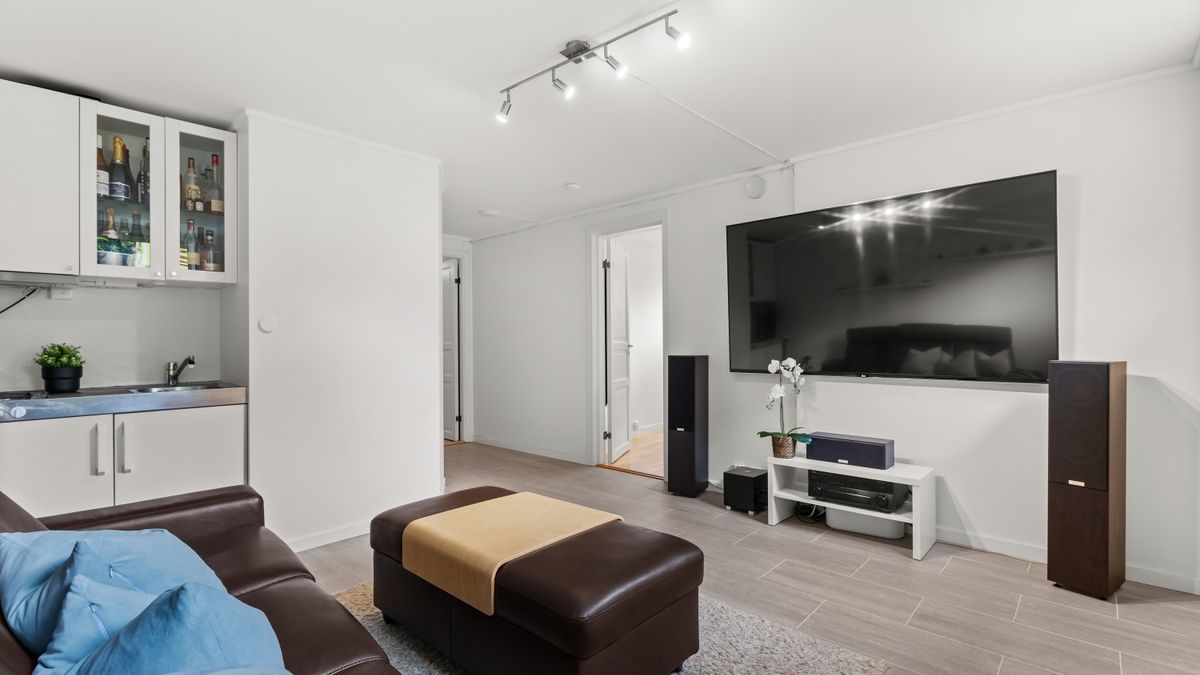
 On screen
A family entertainment center is one of the hardest rooms for a screen. The games are loud, the lights are bright, and kids are moving constantly. If your TV tries to compete with all that, it loses. The more useful job is to talk to the adults sitting at tables or standing near the counter, who have a few minutes and several decisions to make: when to come back, whether to book a party, and what to do about the wait for the popular attraction.
This guide covers what to put on those screens, how in-house promotions fit between ads, and how to keep everything on-brand. It is written for owners and managers who already have a TV or two and limited time.
Who is the screen for in a family fun center?
Think of two audiences. Kids are already engaged by the games and do not need a screen to hold their attention. Parents and guardians are the ones with the wallet, the calendar and the group chat to organize. Your screen is most useful to them.
Good placement follows that idea. Put screens where adults sit or wait: the seating area, the food counter, the party-room hallway, the check-in desk. A screen mounted over the main game floor is mostly fighting for attention it is unlikely to get.
Five promotion ideas for arcade lobby TV content
1. A birthday party package spotlight
A birthday party promotion screen makes sense because the people watching are the people who book. Show one package at a time, with what is included in plain words, and one way to book: a front-desk prompt, a phone number or a web address. Rotate packages rather than listing everything at once.
2. A weekday special or school-holiday event
Slower weekday hours are when a visit is easiest to promote. Announce a weekday special, a school-break event or a themed day. Put the date or day of the week in large text, since a parent glancing up will not read fine print.
3. Wait-line and attraction information
If a popular attraction has a line, a screen near it can explain how the line works, what the height or age rules are, and what else is open nearby. Only show information you can keep current. A stale wait message is worse than none.
4. A group-outing and corporate event prompt
Parents often organize team outings, school groups and company events as well. A simple screen that says you host groups, with a contact prompt, reaches people who may never have thought to ask. Keep it to one line and one next step.
5. A loyalty card or game-credit reminder
Remind guests how your loyalty card or game credits work and when they can be used. Guests cannot use a program they do not understand. Keep the explanation to a sentence or two, and update it whenever the program changes.
How to design for a loud, bright room
Assume the sound is off or unheard. Every message should make sense from text and images alone. For more on that decision, see the guide on whether business TVs should have sound on.
- Use one message per screen moment: one offer, one date, one action.
- Use large, high-contrast text that can be read from the table farthest from the screen.
- Use motion sparingly. Next to a wall of flashing games, a calm, clear layout stands out more than extra movement.
- Show the booking step last and make it simple: ask at the desk, call, or visit a web address.
- Check the screen from where parents actually sit, not from where you stand.
How in-house promotions fit between ads
With an ad-supported setup, your own content shares the screen with third-party ads rather than replacing them. CETV Now's model is a plug-in media player that runs licensed programming with video ads over live TV, and venues can run their own promotions, events and branding between third-party ads. Promotions are managed from a web dashboard. You can read more about the model on the ad-supported signage page.
Ads run in curated venue categories, and creative is reviewed before it runs, which helps keep brands in appropriate contexts. For specifics on how your own promotions would be scheduled alongside ads, ask the team before you plan around a particular pattern.
Whichever setup you use, treat your own promotions as the part you control. Decide in advance which two or three messages matter most this month, and give those the clearest design.
Keeping content on-brand
Family venues often end up with mismatched content: a party flyer made in one tool, a holiday graphic from another, and a menu screenshot. A short standard fixes most of it.
- 01
Pick your fonts and colors
Choose one or two fonts and a short color palette that match your signage and website. Use them on every screen.
- 02
Use one layout
Keep the headline, detail line and call to action in the same place on each slide so regulars recognize your messages.
- 03
Name an owner
One person approves new content and removes old content. Expired event dates are an easy mistake to make.
- 04
Review monthly
Check each screen for outdated dates, prices and promotions. The audit guide walks through this.
If you operate several locations, the same standard helps you stay consistent. See brand consistency across franchisee screens for a simple approach, and the content control page for how scheduling and brand alignment work in CETV Now's dashboard.
What a plain schedule can look like
| Time of day | Main audience | Screen focus |
|---|---|---|
| Weekday daytime | Parents of younger children | Weekday special, party package spotlight |
| After school | Families and school groups | Loyalty and game-credit reminder, attraction information |
| Weekend midday | Busy families, party hosts | Queue information, party booking prompt |
| Evening | Older kids, group outings | Group and corporate event prompt, upcoming events |
This is a starting point, not a rule. Watch where adults gather in your venue and adjust the plan to fit.
Where this fits with CETV Now
CETV Now is a self-install digital out-of-home (DOOH) network. A small media player plugs into a screen a venue already owns, and host venues receive the device and ad-supported programming free, with no monthly cost. You bring the screen. You can learn what a media player does in plain terms.
CETV Now runs in categories such as restaurants and bars, fitness and wellness facilities, and retail. Family entertainment centers are not confirmed among them, and CETV Now has not published hosting criteria for this venue type here. The family entertainment media network page describes a custom media network option, and the venue partners page explains hosting. To ask whether your venue fits, call (833) 807-1500 or email info@cetvnow.com.
Regulated advertisers, such as alcohol or financial services, should check their own compliance rules before running any promotion.