
 On screen
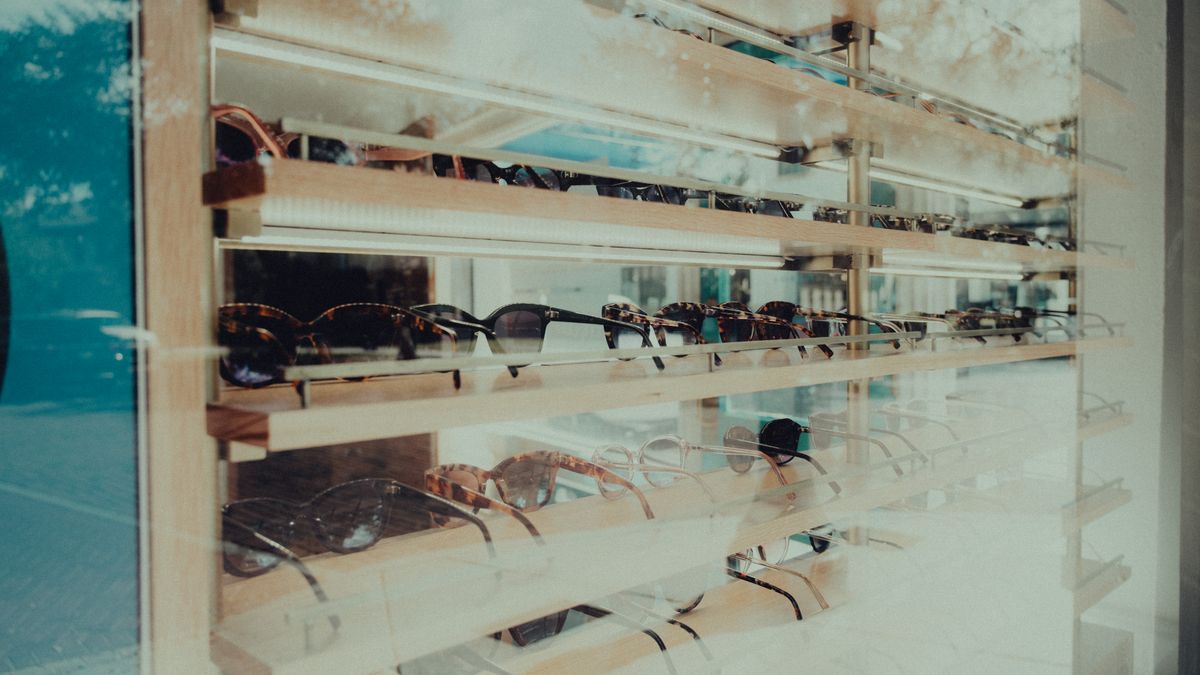
An optical office is part exam room and part retail store. Patients sit in a quiet queue before the exam, then walk to a frame wall and decide what to buy. A screen that serves both moments needs more than a loop of random TV, and it usually needs less text than you think.
This guide is for owners and operations managers who already have a TV in the waiting area or near the frames. It covers what to show, how in-house promotions fit between ads, and how to keep the screen on-brand. For the advertising side, see optometry practice advertising with in-venue video.
What should an optical shop screen do?
Think of the screen as doing three small jobs. It should make the wait feel shorter, point people toward something your shop sells, and make the space look cared for. It does not need to do all three at once.
The exam queue and the frame wall are different audiences, even when they are the same person ten minutes apart. In the queue, people are seated, often waiting for a name to be called. At the frame wall, they are standing, comparing and deciding. Plan content for each.
Where to put which content
| Screen location | Who sees it | Content that fits | Watch out for |
|---|---|---|---|
| Waiting area (optometrist waiting room TV) | Seated patients before an exam | Calm lifestyle or nature programming, short promotion cards between segments, a benefit-year reminder | Dense text, loud audio, anything that reads like medical advice |
| Near the frame wall (frame wall promotion screen) | Browsing shoppers | New arrivals, style stories, kids' eyewear, sunglasses features | Competing visually with the frames themselves |
| Checkout or front desk | People paying or booking next visits | Contact-lens reorder reminder, a note on booking the next visit | Messages that contradict what staff are telling the customer |
Five promotions you can repeat all year
You do not need a content team. You need a short list of promotions you can refresh a few times a year. These five fit eyewear store digital signage well.
New frame arrivals and style stories
Show two or three frames per card with a short line about the look, such as lightweight, bold or classic. Rotate the cards when new stock lands. Keep the style story about fashion and fit, not clinical benefit.
A general benefit-year reminder
Many patients have vision coverage that resets on a schedule. A simple card such as "Ask us about using your vision benefits" prompts the question without making claims about any plan. Do not quote coverage amounts or eligibility; plans differ, and your billing staff should own those answers.
Kids' eyewear and sports-protection features
Parents wait in the same chairs as their kids. A card showing durable, flexible or sports-ready frames gives them something to ask about. Describe only product features your staff can confirm and demonstrate.
A contact-lens reorder reminder
Tell wearers how to reorder, using the way your shop actually handles it: a phone number, a front-desk request or a web page. Keep it to one action. If a prescription is involved, leave the details to your staff and your own compliance rules.
A sunglasses-season feature
A seasonal feature draws attention to a category people often forget to shop for during an exam visit. Run it for a defined window, then swap it out so it does not go stale.
How do in-house promotions fit between ads?
On an ad-supported screen, the TV shows licensed programming and third-party video ads, and the venue can add its own messages in between. With CETV Now, venues can run their own promotions and branding between third-party ads, and manage channels, promotions and scheduling from one web dashboard. That is how the model is described; whether your location can join is a separate question covered below.
The practical rule is to treat your own promotion like a short commercial. One idea, one action, readable from across the room. Our guide to running in-house promotions on ad-supported screens goes deeper on timing and wording.
- Lead with one promotion per card, not a menu of offers.
- Use large type and few words; assume people glance rather than read.
- Pair the card with a staff prompt, such as a front-desk greeting that mentions it.
- Retire anything dated, like an expired seasonal feature, the day it ends.
How do you keep the screen on-brand?
Optical shops sell on taste, so a mismatched screen stands out. Pick two or three brand colors and one typeface and use them on every card. Use the same photography style as your frame wall and signage.
Decide who approves content. Our guide on who should own your venue screens offers a simple model: one named person, one review habit. If you run more than one location, set a shared standard first, as in franchise brand consistency.
Scheduling matters too. Where a platform supports it, automate channel changes and promotion timing so the screen matches the time of day. CETV Now describes content control as scheduled channel changes and brand alignment from a single interface.
What if you want to use CETV Now?
CETV Now is a self-install, plug-in digital out-of-home (DOOH, meaning advertising on screens in public venues) network. A small media player plugs into a screen the venue already owns. For host venues, the device and ad-supported programming are free with no monthly cost, and screens are not included. Setup is described as self-install and typically takes minutes, with no technician required. Learn more in ad-supported digital signage.
CETV Now's confirmed venue categories include medical and dental offices, retail, and professional services. Optical shops and eye-care offices are not listed as a confirmed category here, and the team has not published eligibility rules. Ask directly at (833) 807-1500 or info@cetvnow.com. Creative is reviewed before it runs, and live markets are Phoenix, Dallas, Atlanta, Nashville and Salt Lake City, with Miami coming soon. For any other area, availability is unconfirmed.
A 20-minute plan for this week
- 01
Walk both waits
Sit in the exam queue and stand at the frame wall. Note where the screen is visible and where it is not.
- 02
Pick two promotions
Choose from the five above based on what you want patients to ask about this month.
- 03
Write one-line cards
One idea and one action per card. Have a second person read them cold.
- 04
Set an owner and a date
Name who refreshes the content and when you will swap the seasonal cards.
- 05
Ask about fit
If you want to explore hosting, contact the team and ask whether your location can be considered.
For related ideas, see waiting room TV content ideas, specialty clinic screen ideas and retail store screen ideas.